ValidMind
Product Tour

Click to start

Learning objectives

“As a {{ role }} who is new to ​ValidMind, I want to learn how to {{ task A }}, {{ task B }}, {{ task C }}, and {{ task D}}.”

In this course

  1. iFrame embed right
  2. iFrame embed bottom
  3. iFrame embed footer
  4. Scrollable single user guide
  5. Scrollable tabset user guides

First, let’s make sure you can log in to ​ValidMind.

Training is interactive — you explore ​ValidMind live. Try it!

, , SPACE , N — next slide     , , P , H — previous slide     ? — all keyboard shortcuts

Can you log in?

To try out this course, you need to have been onboarded onto ValidMind Academy with the Role Name role.


Log in to check your access:

Log in to ​ValidMind


Be sure to return to this page afterwards.

iFrame embed right

This is a right-aligned modal .overlay
on top of the live ​ValidMind Platform.

  • It mimics the style of the docs site callouts.
  • Bold text shows up in a different colour.
  • You can use an additional callout style
    with this class: .embed

This is the nested embed,
which also has its own bold styling.

As you can see, you need to get creative
with some of your <br>s to determine
the max-width of the overlay box.

iFrame embed bottom

This is a bottom-aligned modal .overlay on top of a rendered site file.

You can fully interact with the page contents.

Scrollable single user guide

This is a simple two-column user guide for one set of instructions.

(Scroll down for the full instructions.)


Try it live on the next page.

Single h3 header

Here you would embed some single-source instructions using Quarto’s includes functionality, if they were available.

This is what an h4 looks like
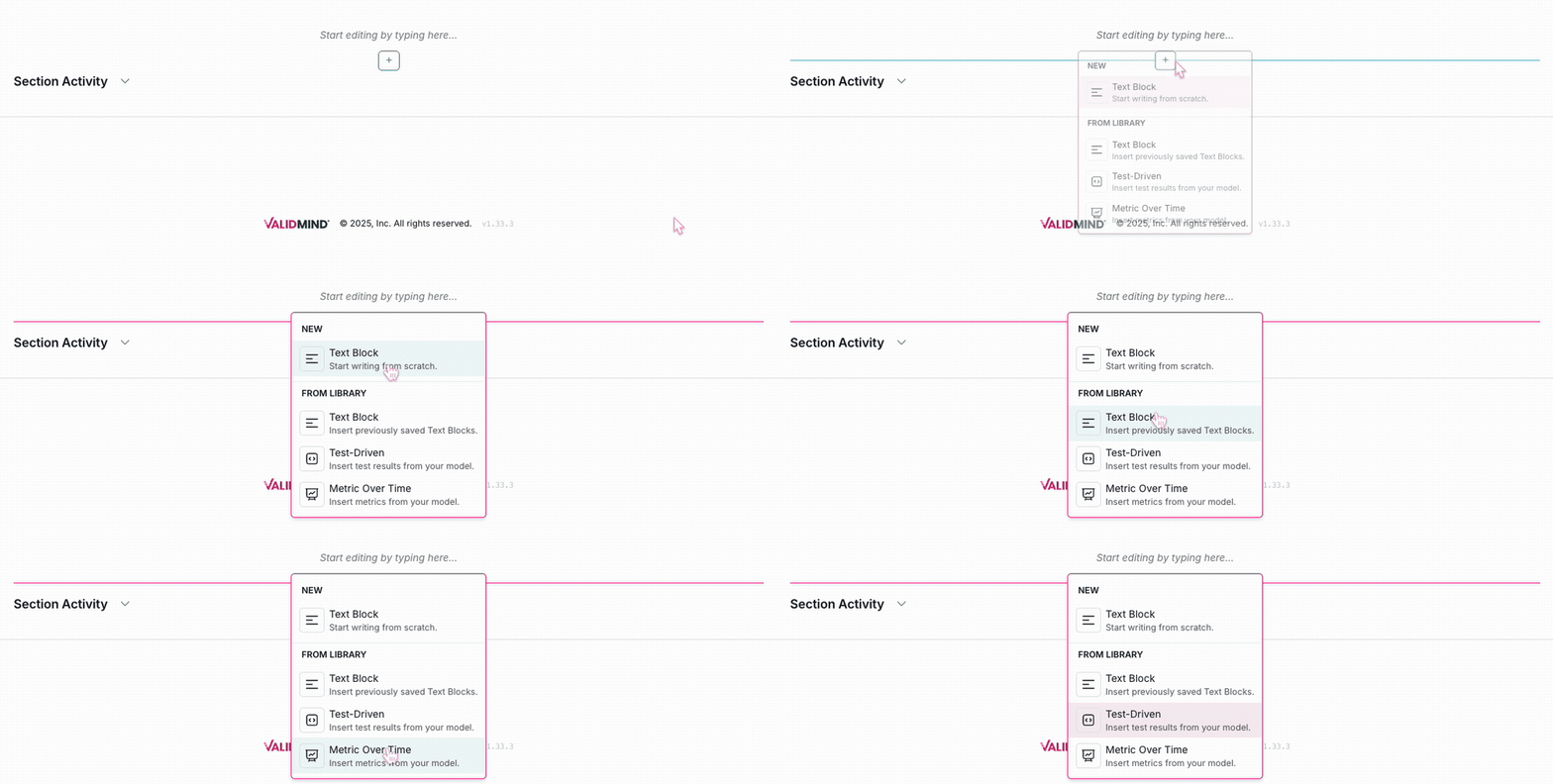
Here’s what a .screenshot looks like

Here’s what a .screenshot looks like

Some filler text to demonstrate the scrollable feature:

Lorem ipsum dolor sit amet, consectetur adipiscing elit. Sed quis sapien blandit, blandit velit nec, varius urna. Etiam id convallis eros. Ut quis pharetra nulla, at luctus ipsum. Quisque sagittis tempus neque, quis molestie nunc ultrices in. Nam eget sollicitudin turpis. Proin imperdiet vitae erat in porttitor. Morbi id libero eu lorem consequat semper nec sed tellus. Nullam sollicitudin justo eu libero lobortis iaculis.

  • Nullam et dui et ipsum placerat ullamcorper vitae sed enim. Aenean suscipit libero eu odio venenatis, eu consequat odio consequat.
  • Proin fermentum ligula ex, non posuere odio sagittis sit amet.
  • Sed eleifend, odio quis posuere semper, tellus tortor convallis lacus, in egestas orci felis vel neque.
  • Phasellus a congue metus. Nulla dictum at massa et laoreet. Nulla mauris justo, suscipit eu augue nec, feugiat tristique est.

Scrollable tabset user guides

You can also embed several sets of instructions into the same two-column layout.

For example, the following links to our _collaborate-with-others-comments.qmd single-source include file.

All you need to do is make sure that the headers within .panel-tabset are set to h3 (###).

  1. In any text block or test description, select the portion of text you want to comment on, then click the button that appears.

  2. Enter your comment and click Comment.

  3. You can view the comment by clicking the highlighted text. Comments will also appear in the right sidebar.

  1. Click the highlighted text to view the comment thread.

  2. Enter your comment and click Reply.

  3. You can view the comment thread by clicking the highlighted text.

  1. Click the highlighted text portion to view the thread, then click to resolve the thread.

  2. To view the resolved comment thread, click the Comments archive button in the toolbar.

    You can view a history of all archived comments in the Comment archive.

To reopen a comment thread, reply to the comment thread in the Comment archive or click the Reopen button that appears next to the highlighted text portion.

Try it live on the next page.

Topic summary slide

Summarize the benefits of ​ValidMind for the role or topic you just covered here, then link to the relevant user guides below.


Or, find your next learning resource on ValidMind Academy.